
Runvia
Track runs. Chart new ground.
A running app built around the run itself: big numbers you can read mid-stride, your route turned into art, and a map that fills in every time you find a new street. It records walks and rides too.
For iPhone and Apple Watch
Built for the run. Made to share.
Record runs, walks and rides on iPhone or Apple Watch, see every one as a trace, explore new streets square by square, and share only what you want to.
Run
Big numbers you can read mid-stride.
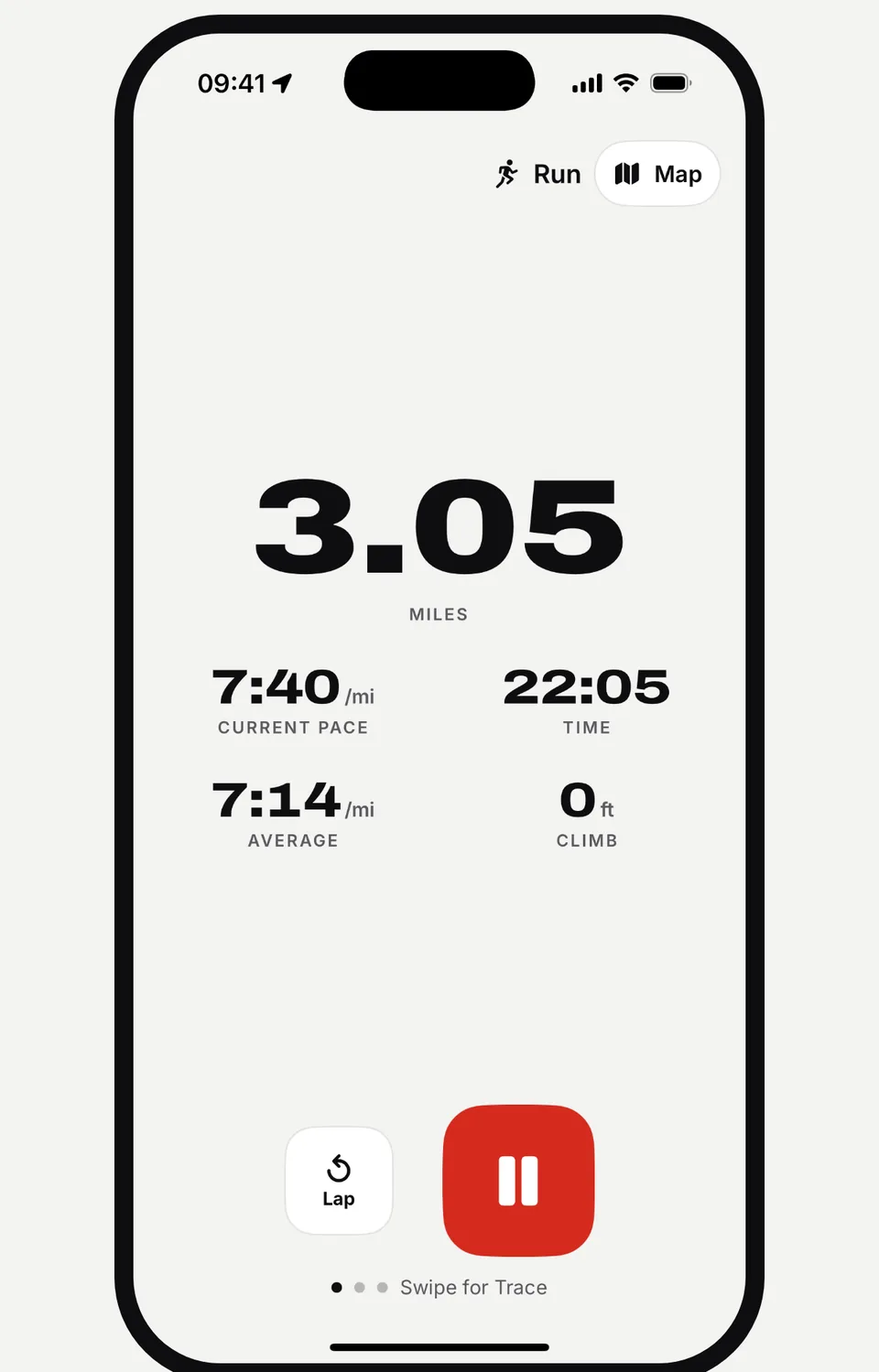
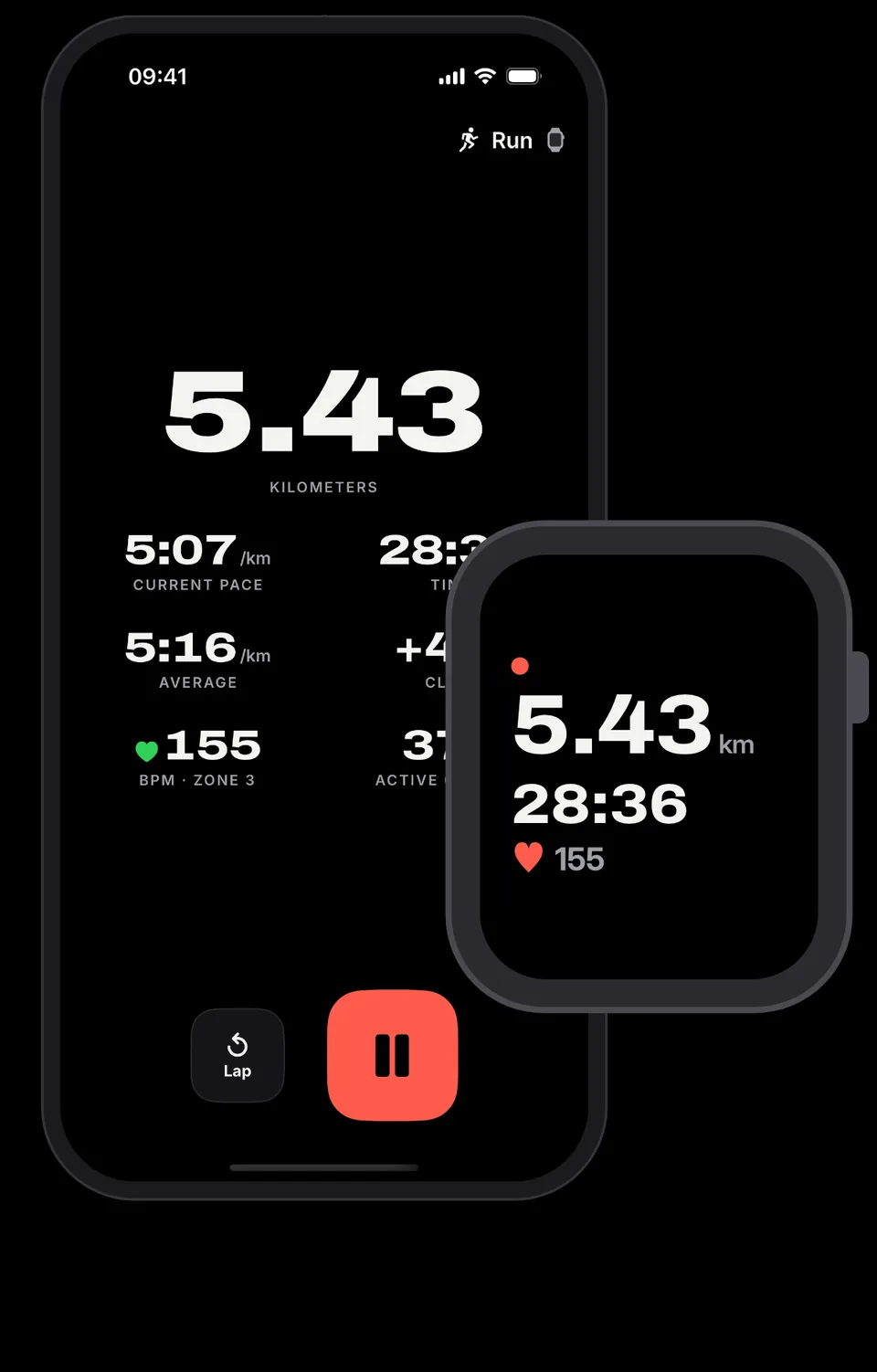
Distance, current pace, average pace, time and climb, set large enough to catch at a glance. Mark a lap with one tap, then swipe between your numbers, your live trace and the map.
- Live distance, pace, time and climb
- One-tap laps, pause and resume
- Miles or kilometers
Trace
Your route, drawn as art. Share it.
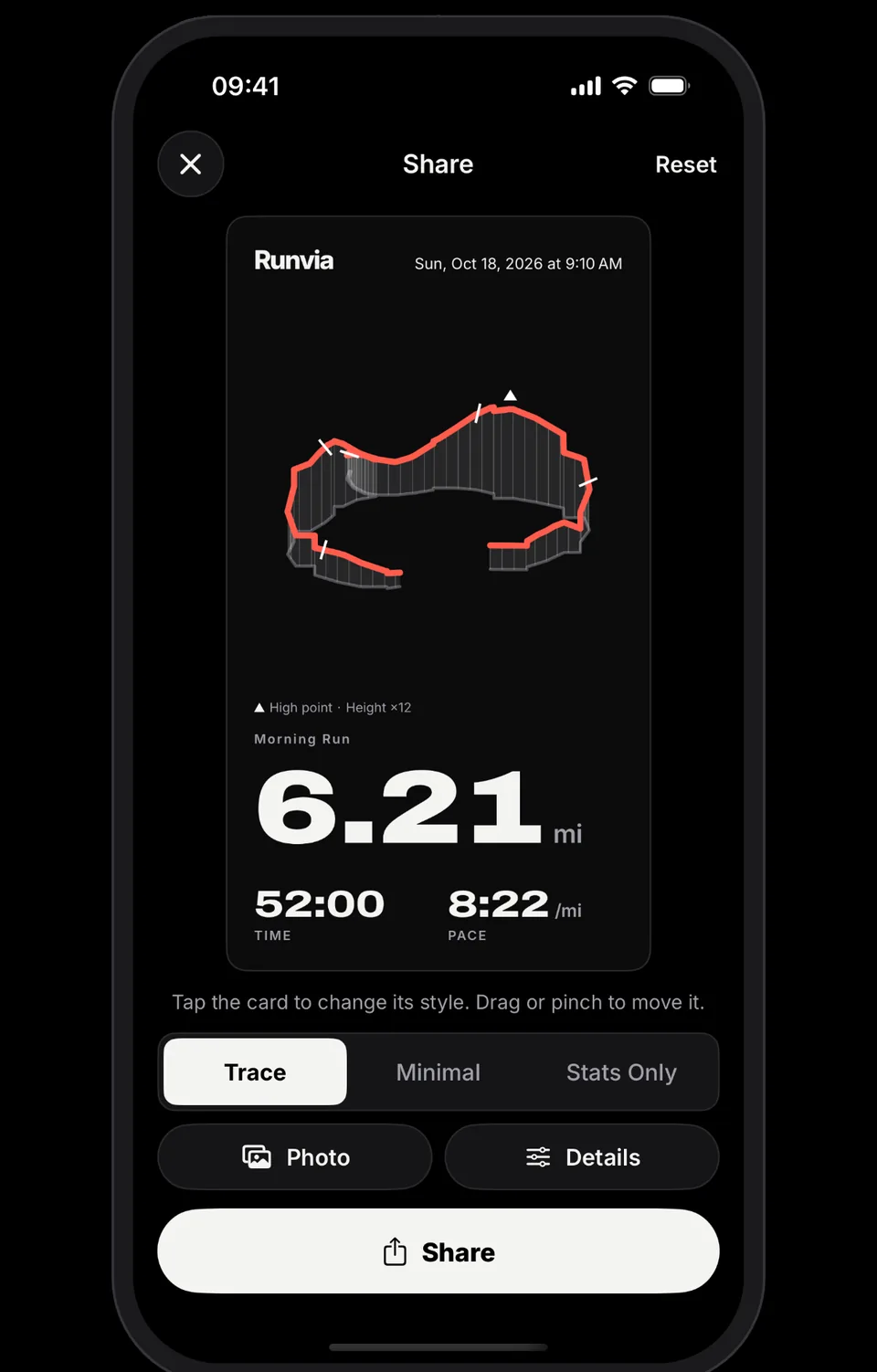
Every run becomes a trace: your route drawn as a ribbon that rises and falls with the elevation, with markers along the way and the high point flagged. Pick a style, add a photo and share it anywhere.
- Three card styles: Trace, Minimal and Stats Only
- Add a photo, then drag or pinch to frame it
- Elevation ribbon with the high point marked
New Ground
Run new streets. Chart new ground.
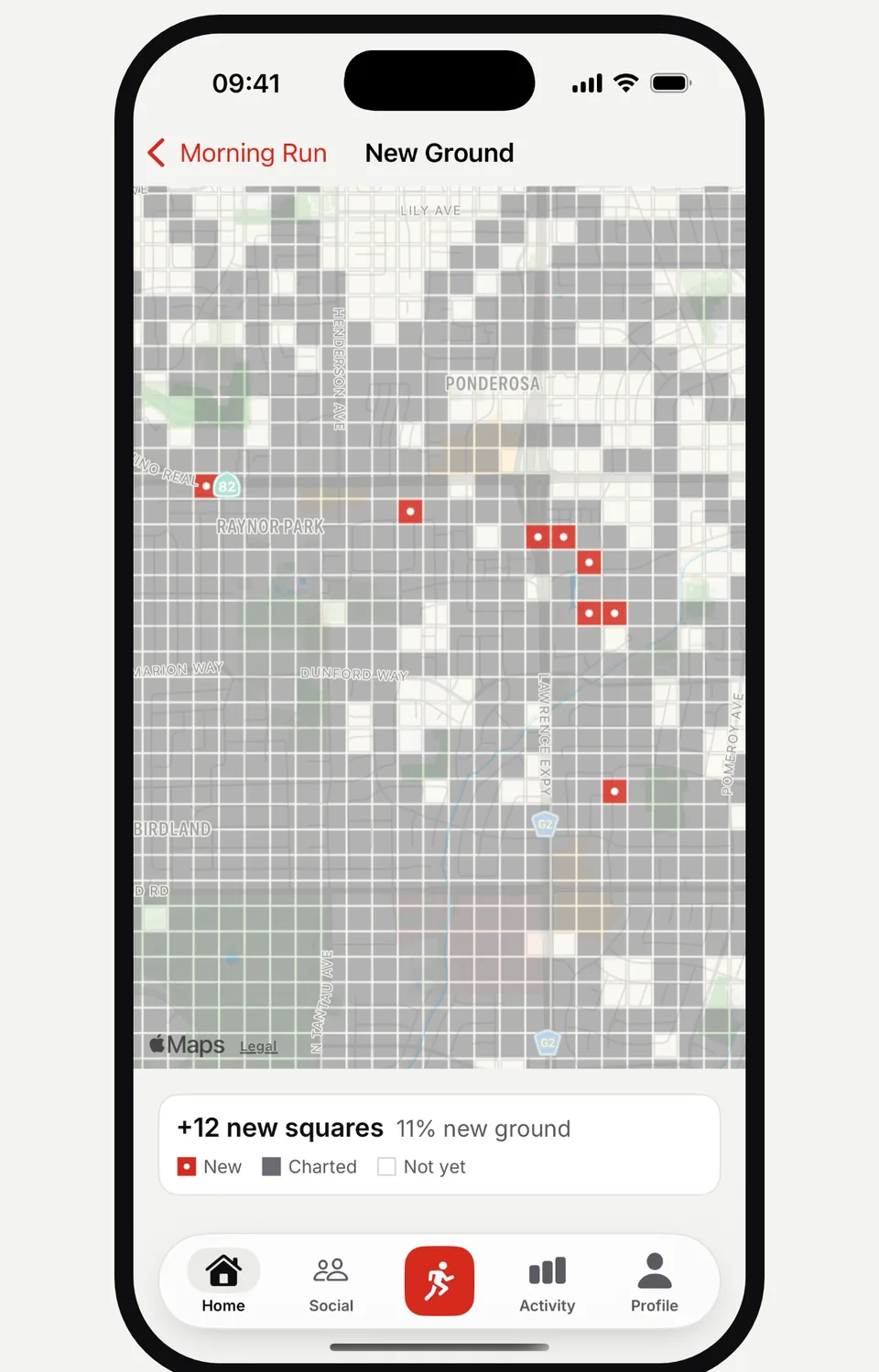
The map is divided into squares. Each run charts the squares you pass through, and every square you have never run before counts as new ground. Watch your map fill in and find the streets you have been missing.
- New squares counted after every run
- See how much of each run was new ground
- New, charted and not-yet squares on one map
Privacy
Start and finish hidden before you post.
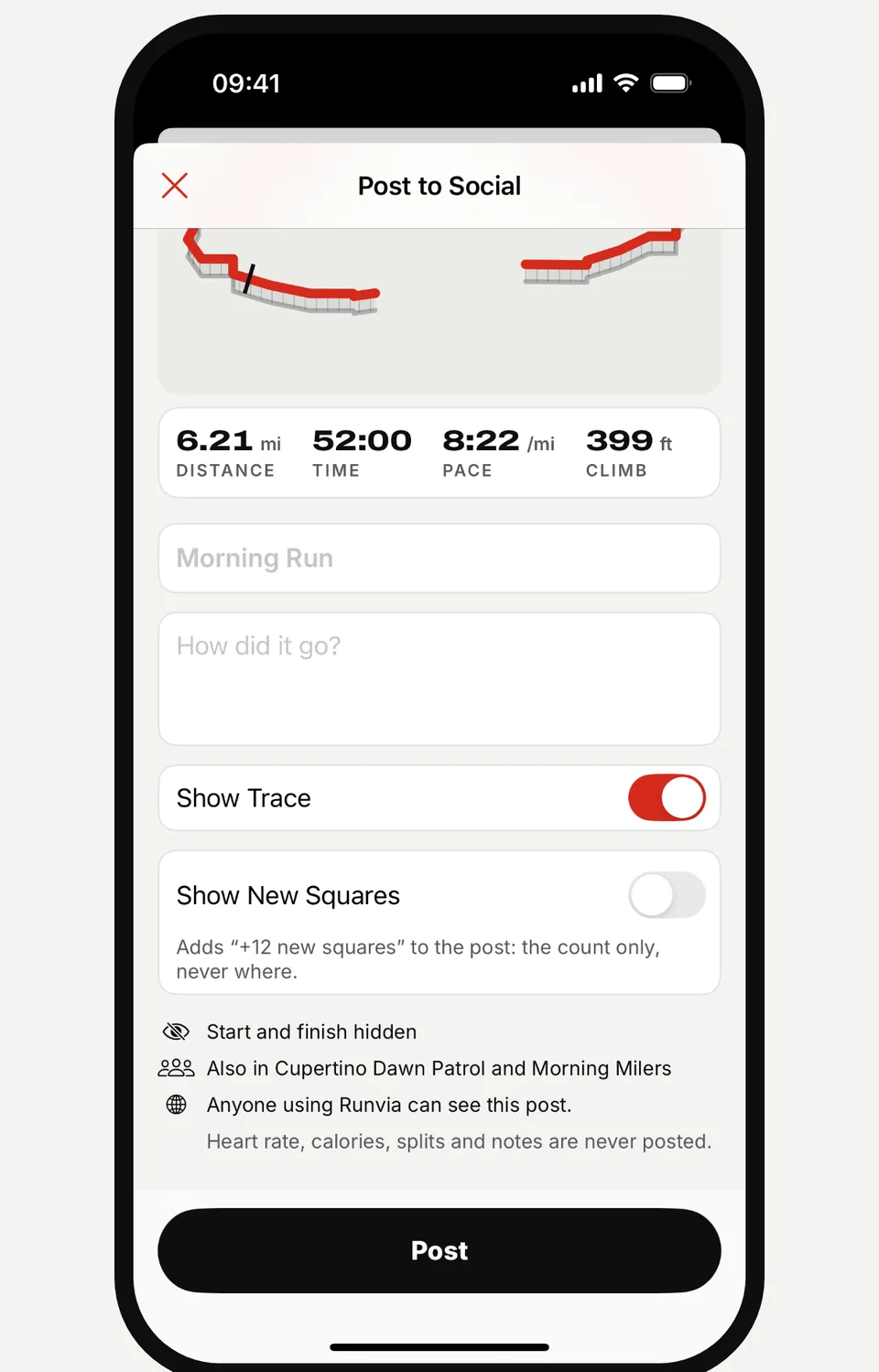
Posting is always your choice. By default, Runvia hides where each run starts and finishes before it is shared, and privacy zones keep places like your home off the map. You decide whether to show the trace, and new squares are shared as a count, never as a place.
- Start and finish hidden before you post
- New squares shared as a count only, never where
- Heart rate, calories, splits and notes are never posted
Apple Watch
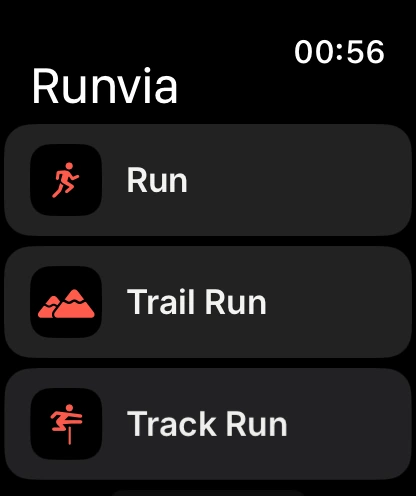
Record on iPhone, or on Apple Watch alone.
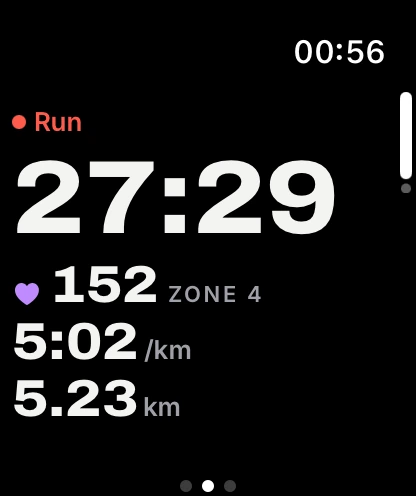
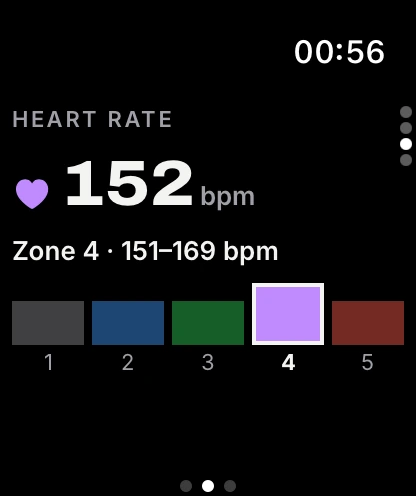
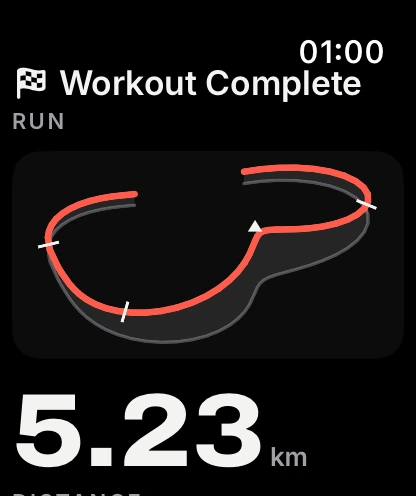
Start a run from your wrist and leave your phone behind. Runvia on Apple Watch shows distance, time and heart rate as you go, tracks your heart rate zone and draws your trace the moment you finish.
- Record on Apple Watch on its own
- Live heart rate across five zones
- Workout summary with your trace
Pro
Intervals and a ghost pacer, with Pro.
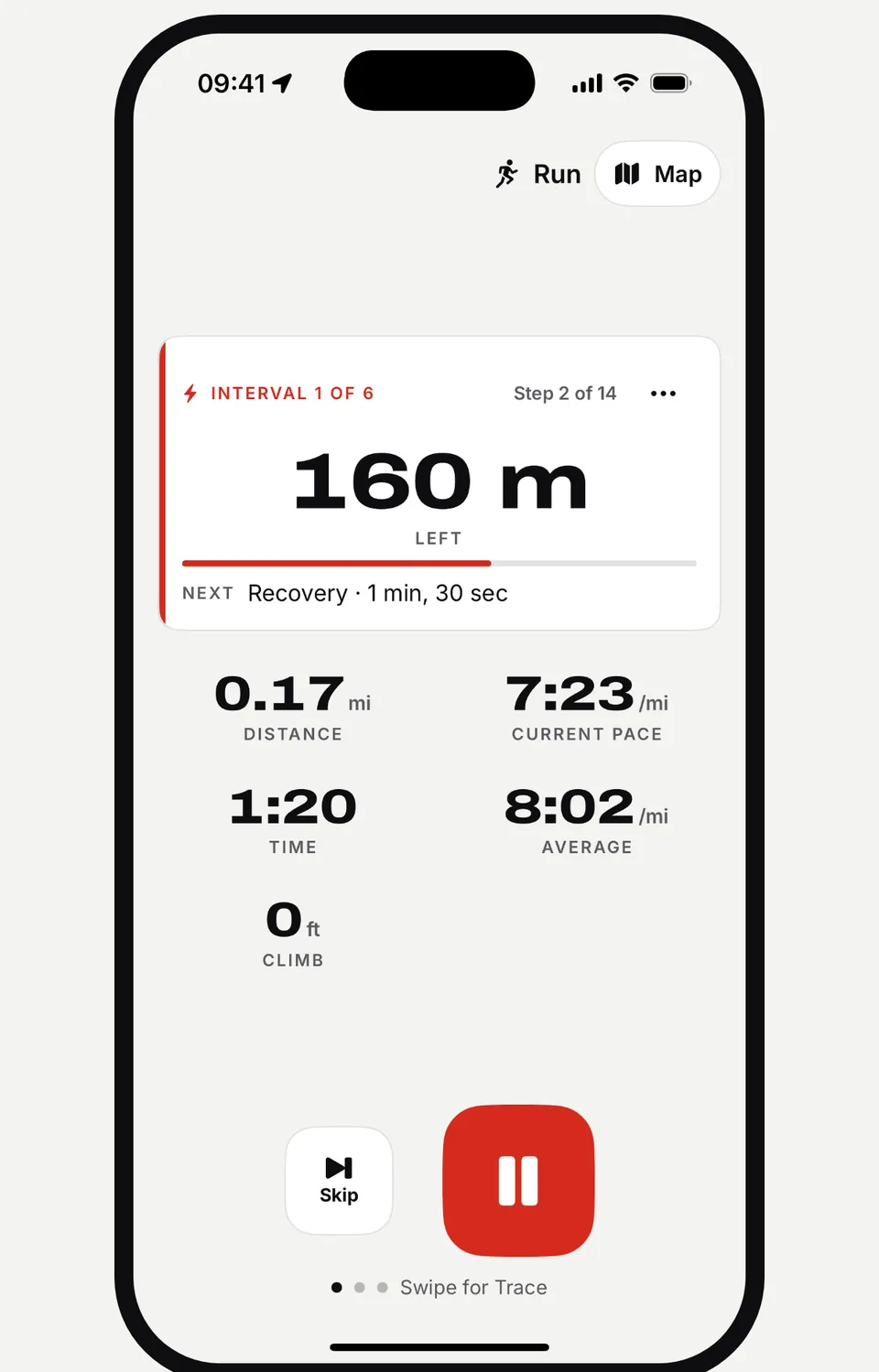
Runvia Pro adds structured interval workouts that guide you step by step, showing what is left of the current rep and what comes next, plus a ghost pacer to run against.
- Structured intervals, step by step
- Distance left and the next step at a glance
- A ghost pacer to run against
In action
See a run, start to finish.
From the countdown to the share card, here is Runvia in under thirty seconds.
The details that make a run.
-
Countdown start
A short countdown before you go, or tap to start right away.
-
Pause, finish or discard
Stop for a light, then resume, finish or let the run go.
-
Your shoes
Pick the pair you ran in and keep track of every run in them.
-
Weather
The conditions are saved with each run.
-
Full run summary
Moving and elapsed time, elevation gain and loss, estimated calories, and average and max heart rate.
-
Trace or map
Look back at any run as a trace or on the map.
Ready to chart new ground?
Runvia is coming soon to the App Store for iPhone and Apple Watch.
For iPhone and Apple Watch
Social
Post your runs. Cheer your friends.
Follow friends, post your runs and cheer theirs. Join crews, take on quests and see where you stand.